
Appearance
Flutter 自适应高度bottom sheet
Future showTips() async {
    final flag = await showModalBottomSheet(
        context: context,
        isScrollControlled: true,
        builder: (BuildContext context) {
          return SingleChildScrollView(
            child: Column(
              children: <Widget>[
                ListTile(
                  title: Text('分享应用'),
                  onTap: () {
                    SettingUtils.share();
                    Navigator.pop(context, false);
                  },
                ),
                _buildAdContainer(),
                ListTile(
                  title: Text('确认退出'),
                  onTap: () {
                    Navigator.pop(context, true);
                  },
                ),
              ],
            ),
          );
        });
    if (flag) {
      SystemNavigator.pop();
    }
  }

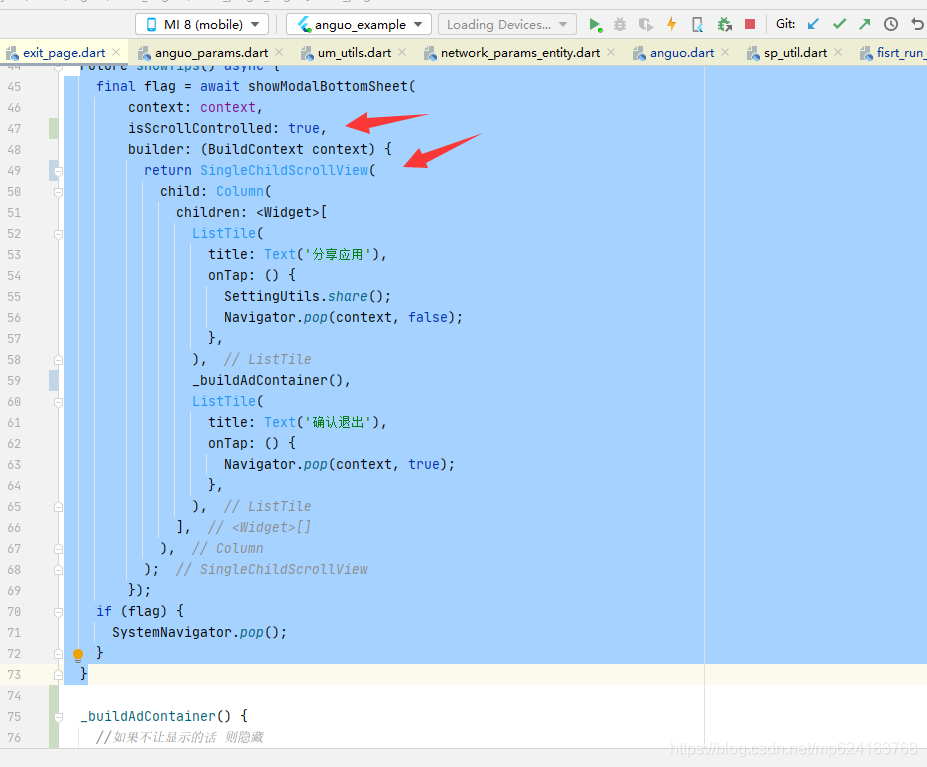 编辑 注意这两个小细节即