
Appearance
字典数据
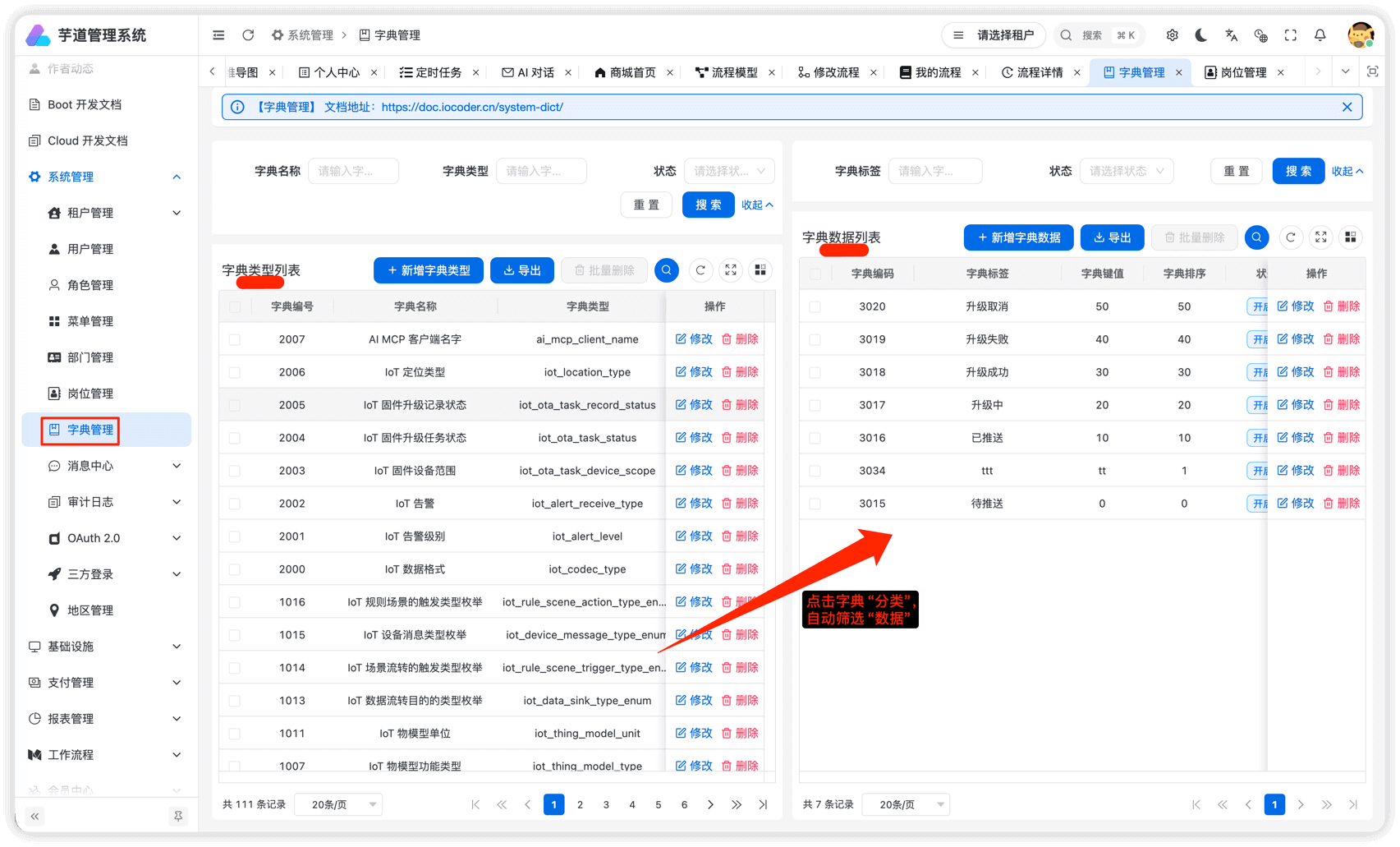
本小节,讲解前端如何使用 [系统管理 -> 字典管理] 菜单的字典数据,例如说字典数据的下拉框、单选按钮、高亮展示等等。
1. 全局缓存
用户登录成功后,前端会从后端获取到全量的字典数据,缓存在 Pinia Store 中,可见 src/store/dict.ts 源码。
这样,前端在使用到字典数据时,无需重复请求后端,提升用户体验。
不过,缓存暂时未提供刷新,所以在字典数据发生变化时,需要用户刷新浏览器,进行重新加载。
2. DICT_TYPE
在 dict.ts 文件中,使用 DICT_TYPE 枚举了字典的 KEY。
typescript
export enum DICT_TYPE {
  // ========== 系统模块 ==========
  SYSTEM_USER_SEX = 'system_user_sex',
  COMMON_STATUS = 'common_status',
  // ... 其他字典类型
}
后续如果有新的字典 KEY,需要你自己进行添加。
3. DictTag 字典标签
src/components/dict-tag/dict-tag.vue 提供 `` 组件,翻译字段对应的字典展示文本,并根据 colorType、cssClass 进行高亮。
3.1 基础用法
vue
import { DICT_TYPE } from '@/utils/dict'
3.2 组件属性
| 属性 | 说明 | 类型 | 默认值 | | type | 字典类型 | string | - | | value | 字典值 | any | - | | plain | 是否镂空 | boolean | true |
4. 字典工具类
在 useDict.ts 文件中,提供了字典工具类。
4.1 getDictLabel
获取字典标签文本。
typescript
import { getDictLabel } from '@/hooks/useDict'
import { DICT_TYPE } from '@/utils/dict'

// 获取状态标签,如 "开启"、"关闭"
const label = getDictLabel(DICT_TYPE.COMMON_STATUS, 0)
4.2 getDictObj
获取字典对象,包含 label、value、colorType、cssClass。
typescript
import { getDictObj } from '@/hooks/useDict'
import { DICT_TYPE } from '@/utils/dict'

const dictObj = getDictObj(DICT_TYPE.COMMON_STATUS, 0)
// { label: '开启', value: '0', colorType: 'success', cssClass: '' }
4.3 getDictOptions
① 获取字典数组,用于 picker、radio 等组件。
typescript
import { getDictOptions } from '@/hooks/useDict'
import { DICT_TYPE } from '@/utils/dict'

// 获取字典选项,默认 string 类型
const options = getDictOptions(DICT_TYPE.COMMON_STATUS)
// [{ label: '开启', value: '0', colorType: 'success' }, { label: '关闭', value: '1', colorType: 'danger' }]

// 获取 number 类型的字典选项
const numberOptions = getDictOptions(DICT_TYPE.COMMON_STATUS, 'number')
// [{ label: '开启', value: 0, colorType: 'success' }, { label: '关闭', value: 1, colorType: 'danger' }]
② 也可以使用快捷方法,获取不同类型的字典选项。
typescript
import { getIntDictOptions, getStrDictOptions, getBoolDictOptions } from '@/hooks/useDict'

// 获取 number 类型的字典选项
const intOptions = getIntDictOptions(DICT_TYPE.COMMON_STATUS)

// 获取 string 类型的字典选项
const strOptions = getStrDictOptions(DICT_TYPE.COMMON_STATUS)

// 获取 boolean 类型的字典选项
const boolOptions = getBoolDictOptions(DICT_TYPE.SYSTEM_YES_NO)
5. 实战案例
5.1 列表展示
在列表中使用 `` 展示字典标签:
vue
    {{ item.name }}

import { DICT_TYPE } from '@/utils/dict'
5.2 表单项
① 使用 getDictOptions 配合 wd-picker 实现字典选择:
vue
import { ref, computed } from 'vue'
import { getDictOptions } from '@/hooks/useDict'
import { DICT_TYPE } from '@/utils/dict'

const formData = ref({ status: '' })
const statusOptions = computed(() => getDictOptions(DICT_TYPE.COMMON_STATUS))
② 使用 getDictOptions 配合 wd-radio-group 实现字典单选:
vue
      {{ dict.label }}

import { ref, computed } from 'vue'
import { getIntDictOptions } from '@/hooks/useDict'
import { DICT_TYPE } from '@/utils/dict'

const formData = ref({ sex: 0 })
const sexOptions = computed(() => getIntDictOptions(DICT_TYPE.SYSTEM_USER_SEX))